What if I’m nowhere near ready for a novel?
Then start with a short story instead. Alongside the classics there are original short stories short enough to finish in one sitting on your first evening. You don’t have to open a 500-page book to begin.
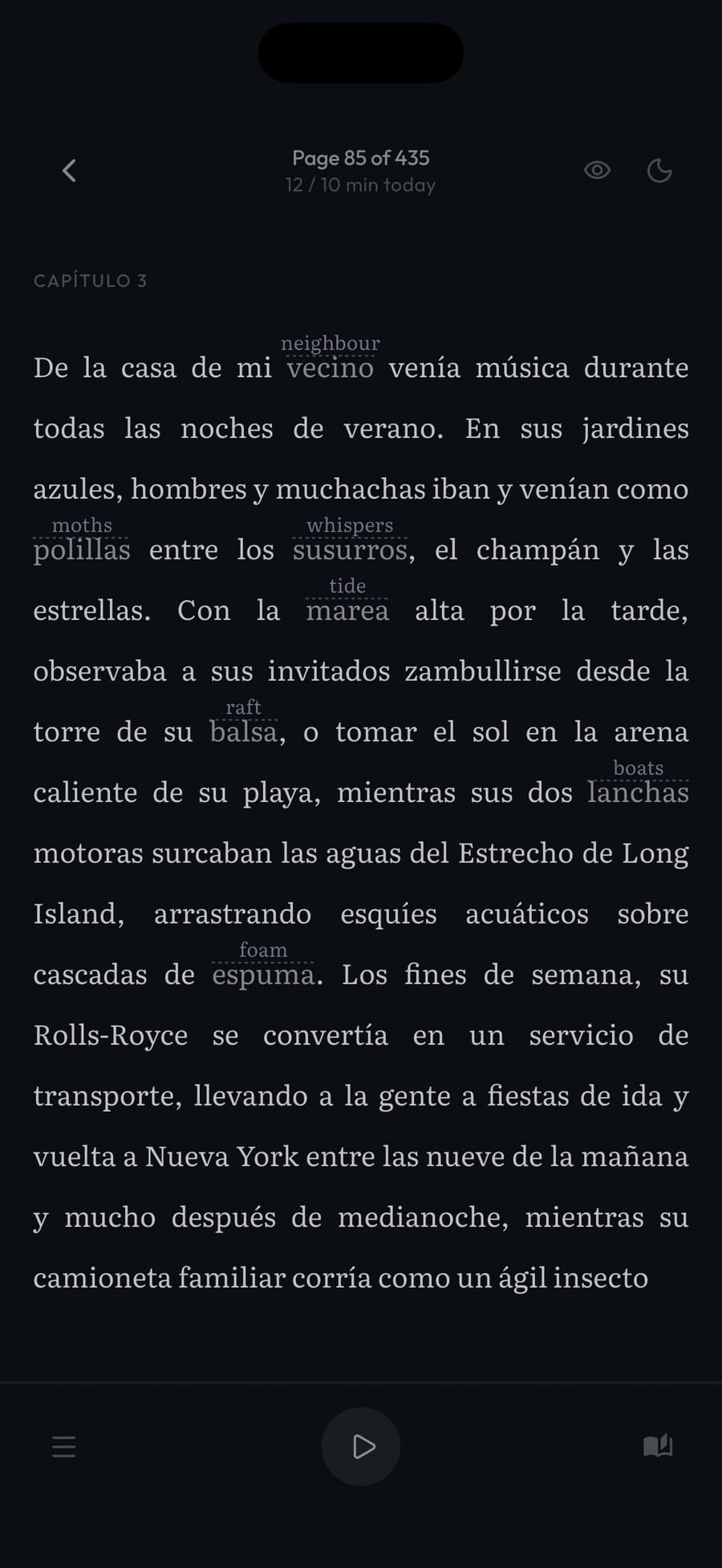
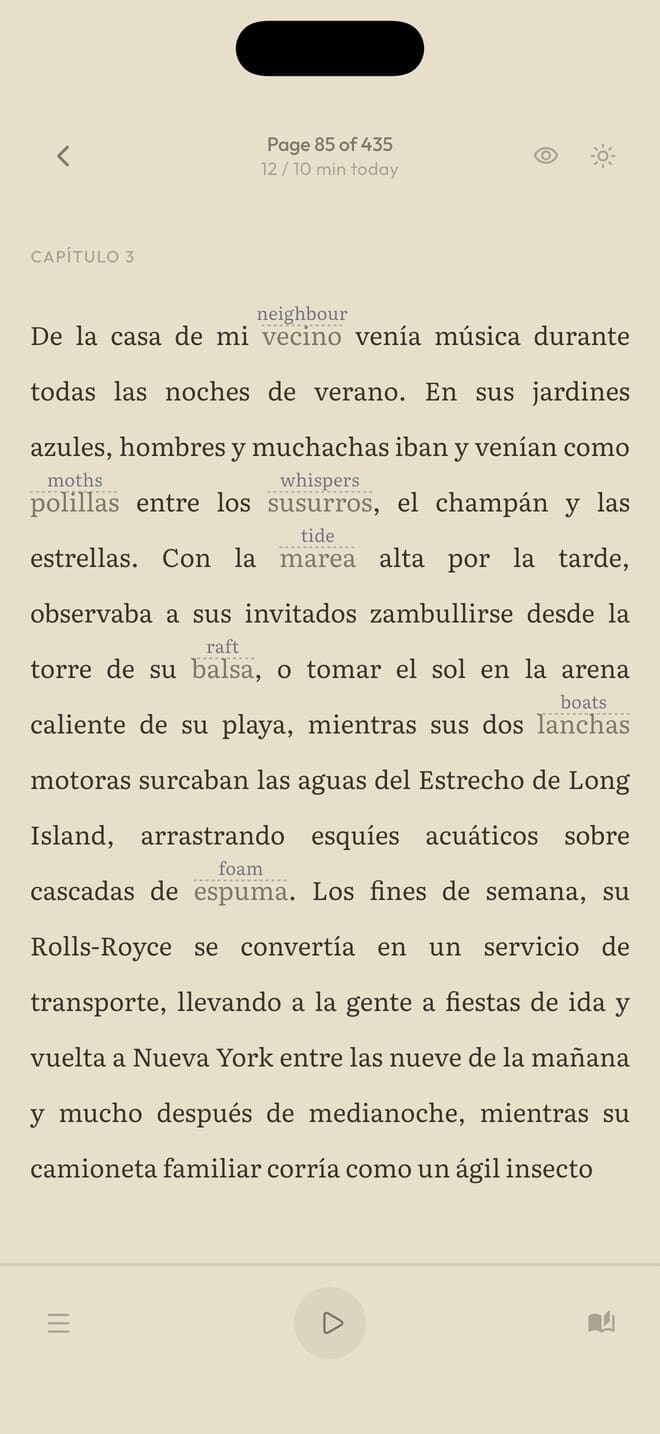
Simply Fluent is a reading app for language learners of every level. Every word you don’t know is translated right on the page, and your vocabulary, grammar and comprehension grow, just from reading a book you enjoy.
Try it in
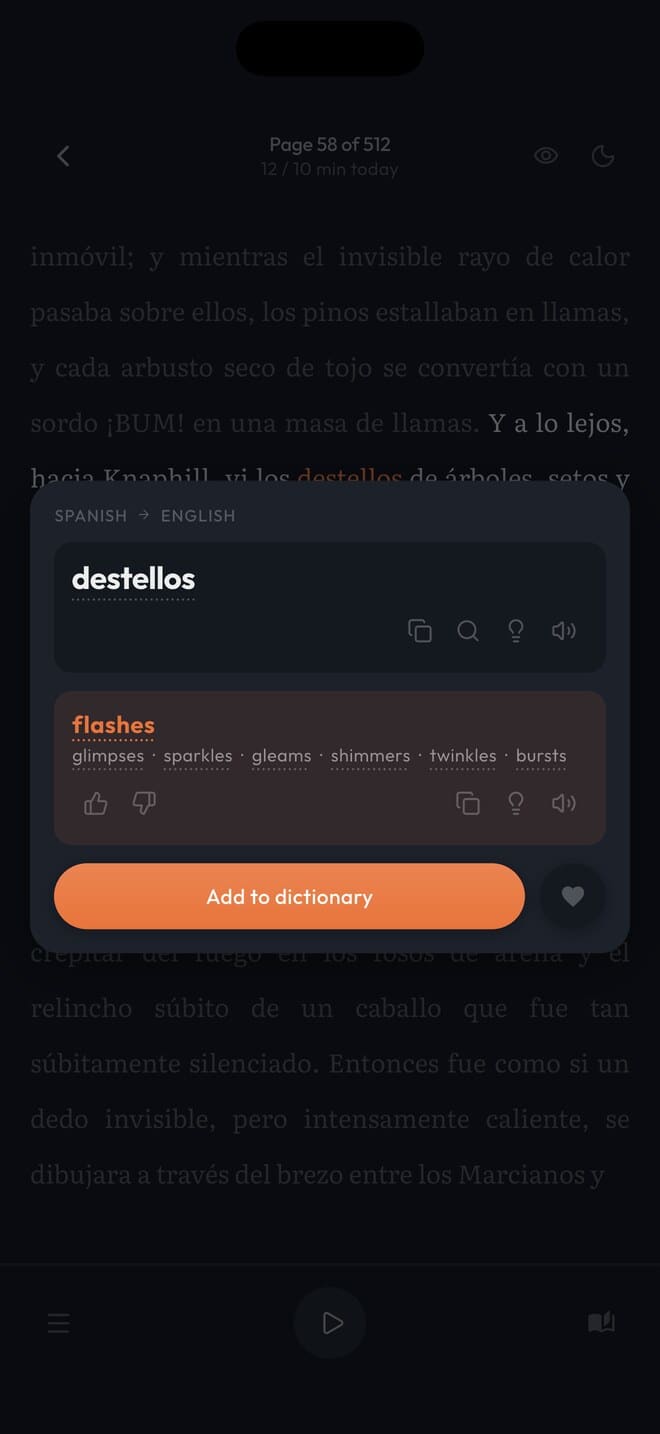
Select maravilloso and the translation comes up without leaving the page. Save it to your dictionary and it’s already translated in the next book you open.
El trentrain llegó a la ciudadcity justo después del amanecer, cuando las calles aún estaban vacías y el aire olía a pan recién hecho. Desde la ventana, todo se veía luminoso y maravilloso, como si la mañana entera hubiera sido pintada para él esa misma hora.
Bajó al andén con la maleta en la mano y se quedó quieto un momento, escuchando el rumor lejano de la ciudadcity que despertaba. No conocía a nadie, y sin embargo sintió que aquel lugar ya le pertenecía un poco, como un libro empezado hace tiempo.
Sabía que este era exactamente el sitio al que había querido llegar, y que todo lo demás, por fin, podría esperar.
Caminó sin prisa hasta el final del andén, donde un hombre mayor vendía café en vasos pequeños. Pidió uno, lo sostuvo entre las manos para calentarlas y miró cómo la luz suave entraba por los grandes ventanales de la estación.
Afuera, la ciudadcity empezaba a llenarse de ruido: un tranvía, una persiana que subía, dos voces discutiendo el precio de algo. Nada de aquello le resultaba familiar, y sin embargo lo escuchaba con la atención de quien reconoce una canción olvidada.
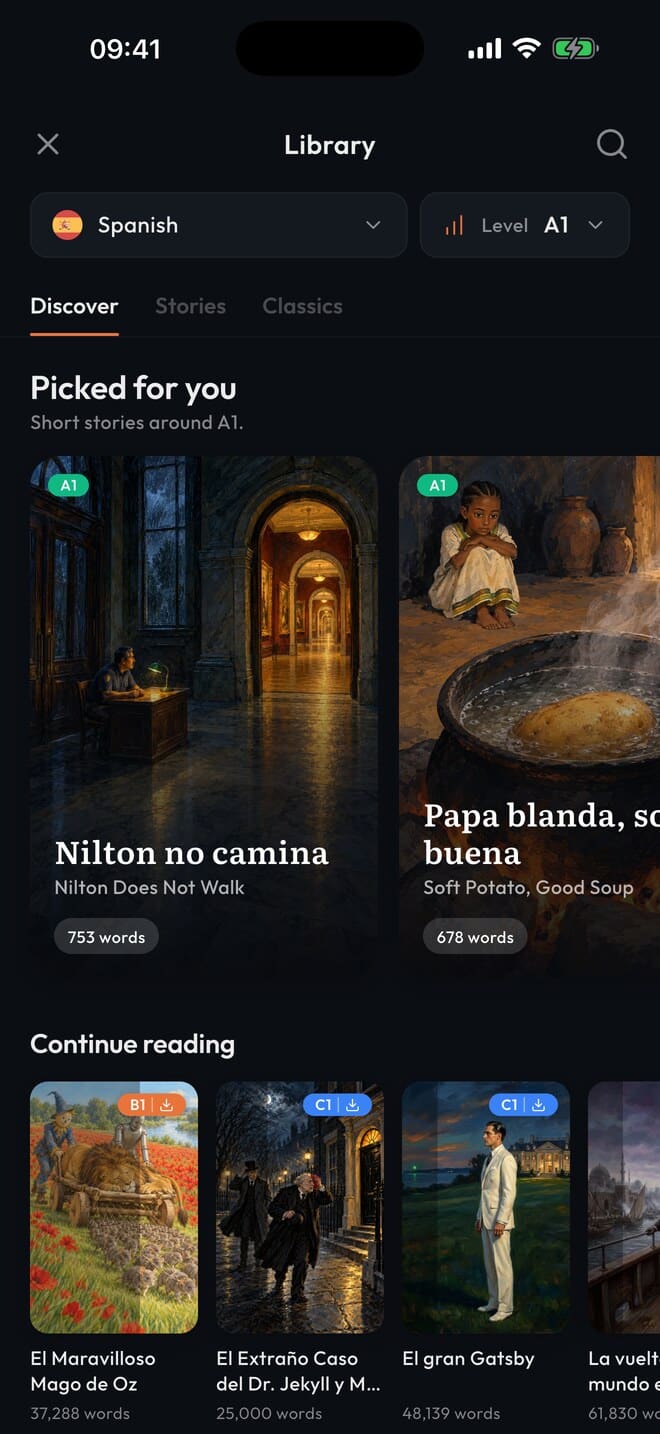
Nobody thinks they’re ready. When I meet someone learning a language, I ask if they’ve tried reading in it. Almost always it’s “no, I’m not ready for that yet.” So I open a book in the app and show them. They read a few lines and go, “oh, I can read this.” There are graded short stories from to , full-length classics, or you .
Start sooner, make progress faster. The usual advice is to wait until you know 95% of the words on a page, because below that you are guessing more than reading. Simply Fluent takes the guessing out: any word is translated right where it sits, so a book is readable long before you would reach that number on your own. You start before you get there instead of after, and every page you read moves you towards it.
Reading your first book or story. Getting through a few pages is a different thing from reaching the end, and that gap is where most people give up. It closes as you read: the words you save stay translated on every page of every book, so page two hundred asks less of you than page twenty did.
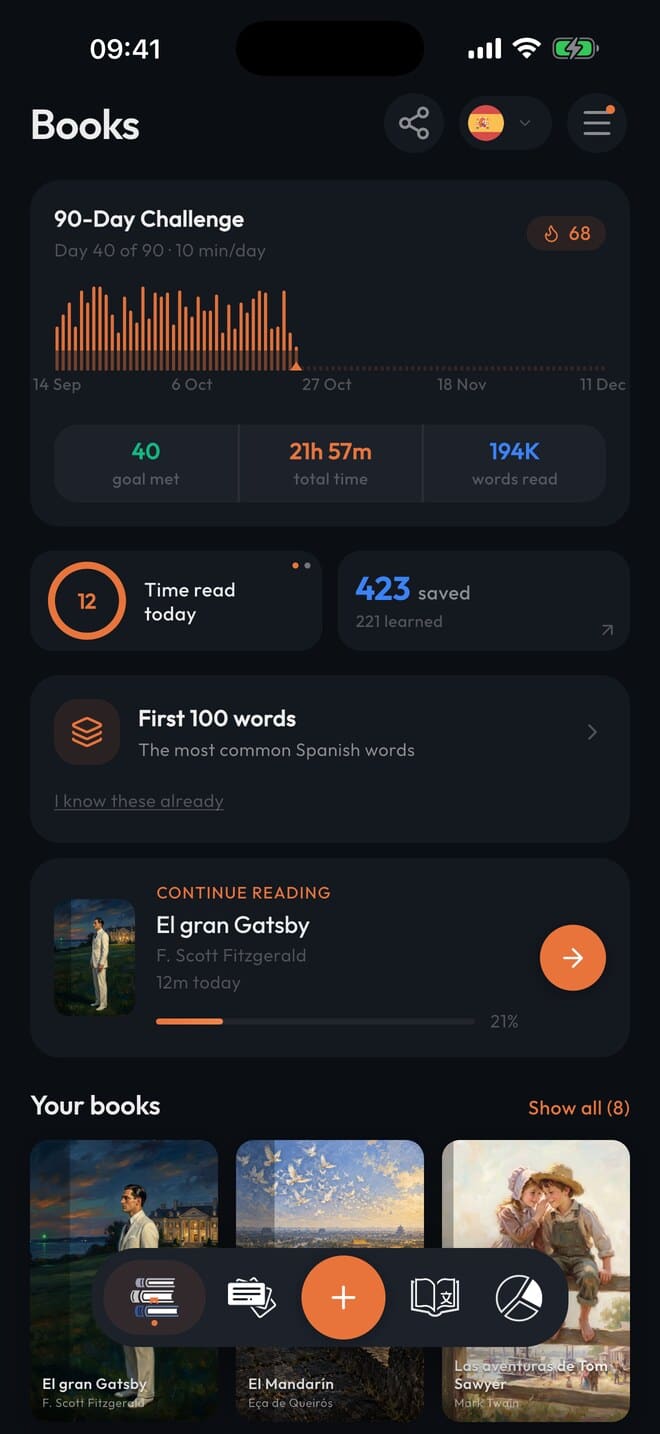
If you are keeping several languages. Each language you read in has its own library, its own dictionary, its own flashcards and its own reading time, and you switch between them from the top of the screen. Keeping a language up is then just reading in it, not setting study time aside for it.
A beginner course covers a small part of the words a novel uses. The rest come from reading.
How do you bridge that gap? How do you know which words you’re missing? Reading lets you discover them at your own pace, and Simply Fluent keeps track of everything you want to learn.
There is no lesson to get through. Nothing you have to finish before you are allowed to read something you enjoy. You read what you want to read: your own book imported from a file, or one of the classics and short stories in the library.
Your language improves from the words you meet in context again and again, on the pages you were reading anyway.
Look up any word you don’t know and the translation is right there, showing the meaning it has in this sentence. If the word is part of an expression or idiom, you see the whole expression and what it really means, not just the literal translation.
Saving a translation to your dictionary means you never have to translate that word again. It shows up on every page in every book in the same language.
Listen along as you read. Hearing the words while you see them on the page ties the two together. Any book or story can be read aloud a sentence at a time with your phone’s own voices.


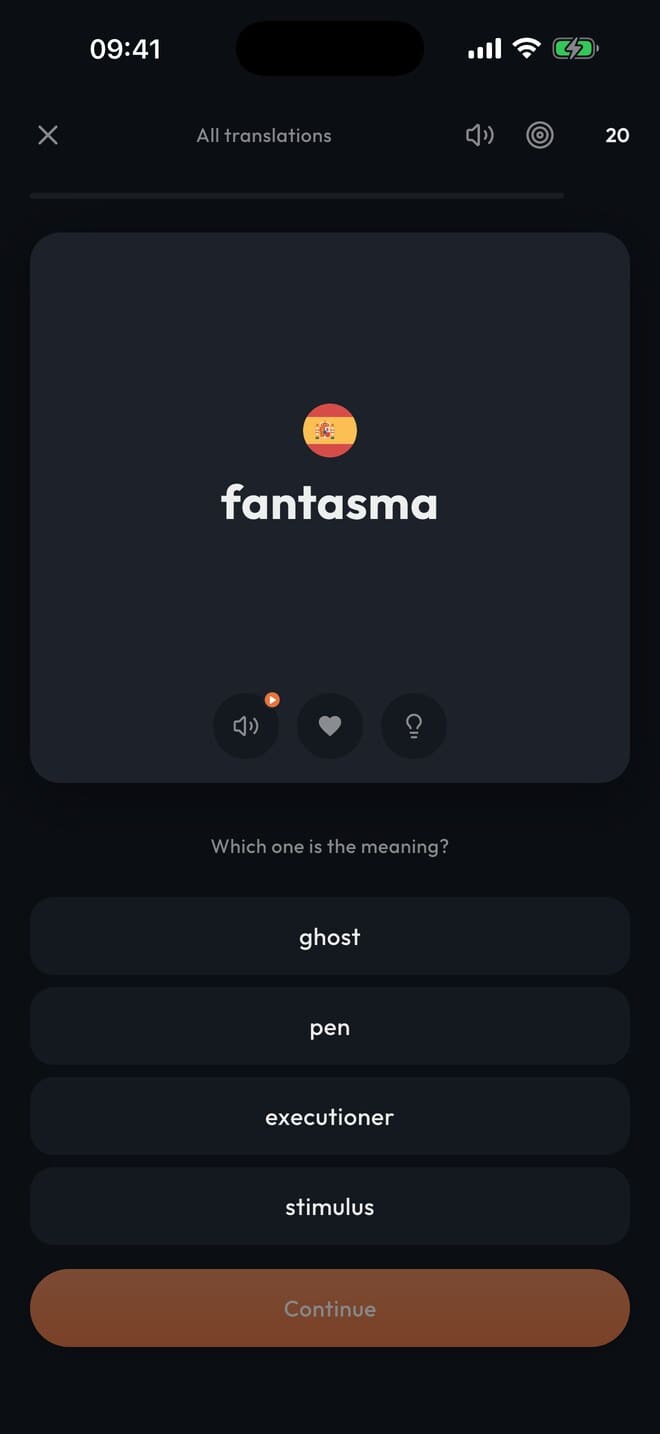
Flashcards usually come with one of two problems. Either you spend a lot of time setting up your own decks by hand, or you use someone else’s decks that aren’t tailored to you. You don’t need the word for “army” before the word for “coffee”.
Read to discover the vocabulary you’re missing and save it to your dictionary. Translations saved to your dictionary automatically become flashcards where your favorites and your most frequently seen vocabulary are prioritized, so you can learn the vocabulary most relevant to you quickly.
Flashcards are optional. They are there when you want to memorize vocabulary faster, and you can filter them down to just the words you saved from a specific book.
Back in 2018 I had spent over a year and a half on Duolingo with Dutch and it had gotten me nowhere. Classes and meetups had not helped either. So I tried reading Harry Potter instead, a paper book with Google Translate on my phone. For every word I didn’t know, I had to unlock the phone, type it out, spell it right, read the translation, then find my place again on the page, and hope that was the only word I needed in the sentence, which it almost never was. I gave up after a couple of pages.
So I bought a tablet, where I could long-press a word for Google Translate right in the text, no separate phone to unlock and type into. I got through my first book that way. But I was looking up the same words over and over, sometimes a page after I had just looked one up, and the tablet remembered none of it. Back in 2018 nothing was built for reading in a language you were learning.
So I set out to build it myself: a reader where you select a word, get the translation right there in the page, and never have to look that word up again. I had never built an app before, so I learned as I went, and every problem I hit reading in Dutch turned into a piece of Simply Fluent.
I got so busy building the app that I no longer had time to study Dutch. My only exposure to the language was the couple of pages I read every night to test the latest build. Then one evening I found myself on a neighborhood walking tour that turned out to be only in Dutch, and I realized I understood almost every word of it, only from the reading.
Soon after, I found I could watch movies in Dutch without subtitles. There was no audio in the app yet, so all of the comprehension had come from reading alone. It caught me by surprise, because I had barely noticed it happening, and it had never felt like studying.
I finished my first Dutch novel and wanted another one, so I read another, and then a whole run of them. I was not studying anymore. I was just reading books I wanted to read, and the language kept getting easier underneath me.
I had not expected to learn that much from one or two books, so I decided to try it again with a new language, on purpose this time. Having Argentinian roots, I picked Spanish. I spent a couple of weeks on vocabulary with Anki, then started reading. Four months later I was in South America, and I spent five weeks on my own in Colombia getting by almost entirely in Spanish. I was by no means fluent, but I could hold a conversation and people understood me fairly well.
About three years later I started Portuguese from nothing but the Spanish I already had. My first book in it was 300,000 words. The app counted 26 hours of reading time to finish it, spread over a few months, and I had my first conversations right after.
I’m not a language teacher. I just built a tool to make reading easy, and it turned out to be a far better way to learn than I ever expected.
My goal is to help you become confident enough reading in your target language that you can pick up a paper book and read without the app.
This is the app I built to do that. The one I wish I’d had when I started reading in Dutch, the version I always wanted to build. It’s free while it’s in beta. Try it and tell me what you think.


Then start with a short story instead. Alongside the classics there are original short stories short enough to finish in one sitting on your first evening. You don’t have to open a 500-page book to begin.
Word lookup works in 90 languages, and you can bring your own EPUB, TXT or PDF in any of them. The translations can be shown in any of those languages too, not only English, though pairs with English give the best results. Books and stories are built in for 45 of them.
A book bought on Amazon or Kobo stays locked inside their app, so there is no file to bring over: you never really hold the book, only the right to read it there. A file you actually have, an EPUB, TXT or PDF, does come across: import it and it works like any book in the library. A PDF is converted to EPUB first, which is slower and can split words oddly on pages with several columns, so use the EPUB when you have one.
Mark it as memorized, from the word itself or from your dictionary. The translation above it is then hidden. The word keeps its mark so you can see that you once looked it up, and selecting it shows the translation again. There is also a switch in the reader header that hides every translation on the page at once, so you can challenge yourself.
Not yet. A saved word is matched as you saved it: save tren, and trenes is still untranslated until you save that too. So in a language with a lot of endings you’ll save the same word a few times before you have covered the forms you keep meeting. Looking one up takes a second, and once it’s saved that form stays translated for good.
Yes. Any book or story can be read aloud a sentence at a time with your phone’s built-in voices, and the sentence being read is highlighted on the page.
No. It’s free for as long as it’s in beta, and everything you save during the beta stays yours. Pricing for after the beta hasn’t been set yet, and it won’t change anything you have already saved.
It’s fairly polished at this point, but there are bound to be a few bugs here and there. It isn’t fully localized yet either, so some menus are still in English for now.
Leave your email and the install links come back to your inbox, one for iPhone and iPad, one for Android. On an iPhone or iPad the link opens in TestFlight, Apple’s app for beta apps, which you install from the App Store first; on Android the link opens in Google Play. You make an account in the app, pick a book, and start reading. Nothing you save is lost when the beta ends.
Leave your email for the iOS and Android links, make an account, pick a book, and start.